PXL-95 is a lightweight pixel art editor that runs entirely in your browser. Draw with classic tools, pick from CGA and VGA color palettes, and export your creations as PNG — all with a retro aesthetic straight out of 1995.
Use it your way
No installation required — but you can if you want.
Launch in the browser
Open PXL-95 directly at bjblazko.github.io/pxl-95 — nothing to install, nothing to configure. Works in any modern browser.
Install as a PWA
PXL-95 is a fully offline-capable Progressive Web App. Use your browser's "Install" or "Add to Home Screen" option to run it like a native app — no internet connection needed after the first load.
Self-host from source
Clone the repository from GitHub and serve it locally. PXL-95 has zero external dependencies — all assets are bundled, including icons and themes.
Everything you need
Classic tools. Retro palettes. No distractions.
Classic Toolset
Pen, Eraser, Flood Fill, Line, and Rectangle — the tools you remember from Windows Paint, built for precision pixel work.
CGA & VGA Palettes
Switch between the iconic 16-color CGA palette and the expanded VGA palette. Or mix any custom color with the built-in color wheel.
Precision Zoom
Six zoom levels from 1× to 32× let you work at any scale — from full canvas overview down to individual pixel editing.
Undo / Redo
Ten-step action history with Ctrl+Z and Ctrl+Y. Paint without fear.
Touch & Mobile
1-finger drawing and 2-finger pan work naturally on iPad and iPhone. The layout adapts to small screens with a compact bottom toolbar.
Auto-Persistence
Your artwork, canvas size, and theme are automatically saved to browser local storage. Close the tab and come back — everything's still there.
PNG Export
Export your finished pixel art as a PNG file with a single click.
Dual-Layer Canvas
Separate rendering layers for pixel art and UI overlay keep the grid and cursor crisp at any zoom level without affecting your drawing.
Seven retro themes
Pick your decade. Or your OS.
Windows 95
The default — classic Microsoft gray with chunky 3D borders.
Windows 3.1
High-contrast 16-bit era aesthetic with program manager energy.
AmigaOS 3.1
Dark blue and orange Workbench aesthetic — the Amiga lives.
macOS 8 Platinum
Apple's iconic global menu bar and warm gray Platinum look.
Motif / CDE
Chunky Unix workstation look with 3D bevels straight from the SGI era.
NCURSES / Turbo Pascal
Text-mode tribute with blue backgrounds and classic IBM PC vibes.
Haiku / BeOS
Light-gray aesthetics from the operating system that almost was.
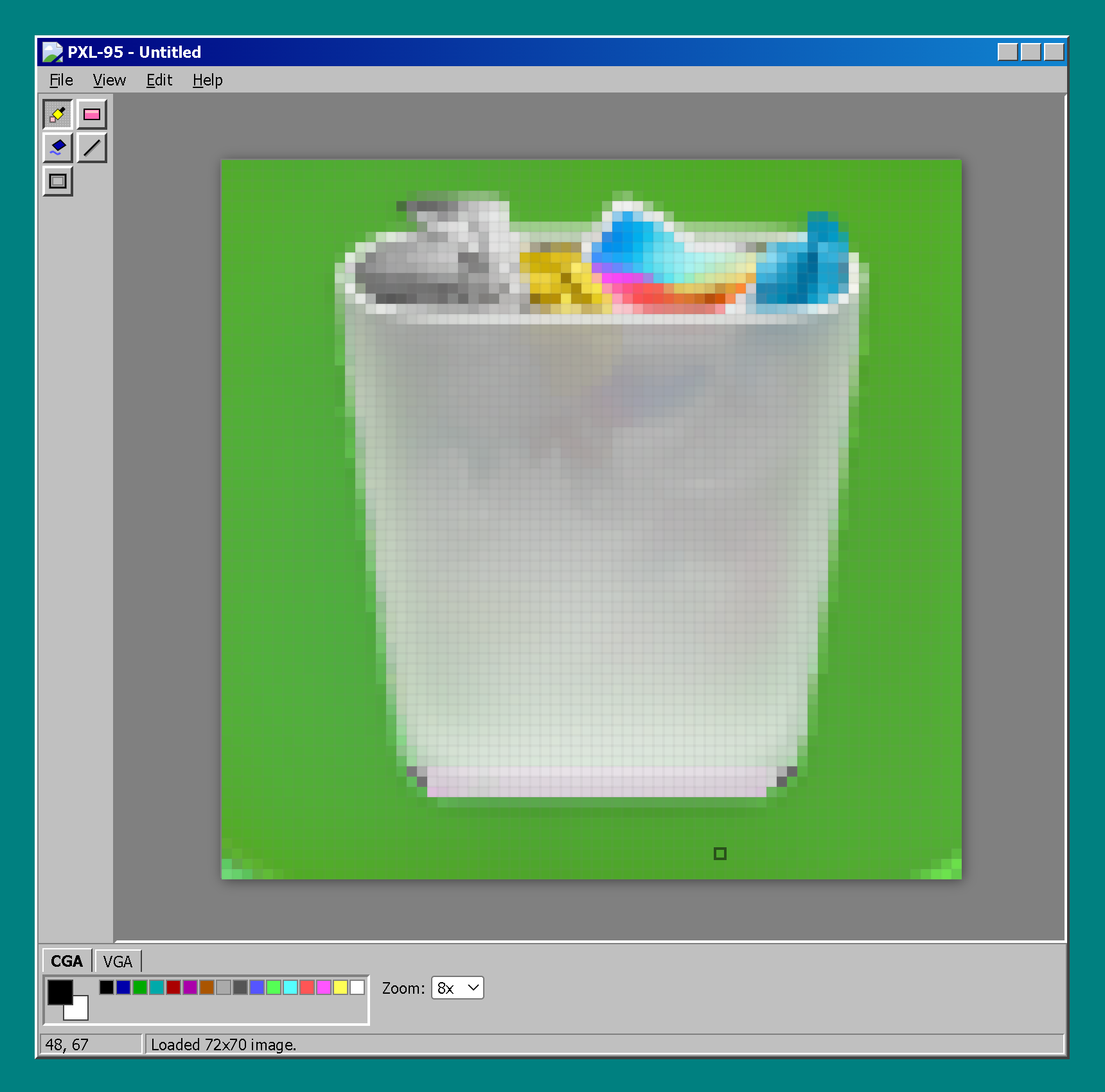
See it in action
Classic tools, retro soul.
Start drawing
Open in your browser, install as a PWA, or clone from GitHub.