
Stuped is a native macOS code editor that does exactly what you need and nothing more. Syntax highlighting for over 150 languages, a clean file tree, live Markdown rendering with Mermaid diagram support, global search, a mini-map, and image preview — all in a fast, lightweight app that stays out of your way.
Everything you need
Lightweight by design. Powerful where it counts.
150+ Languages
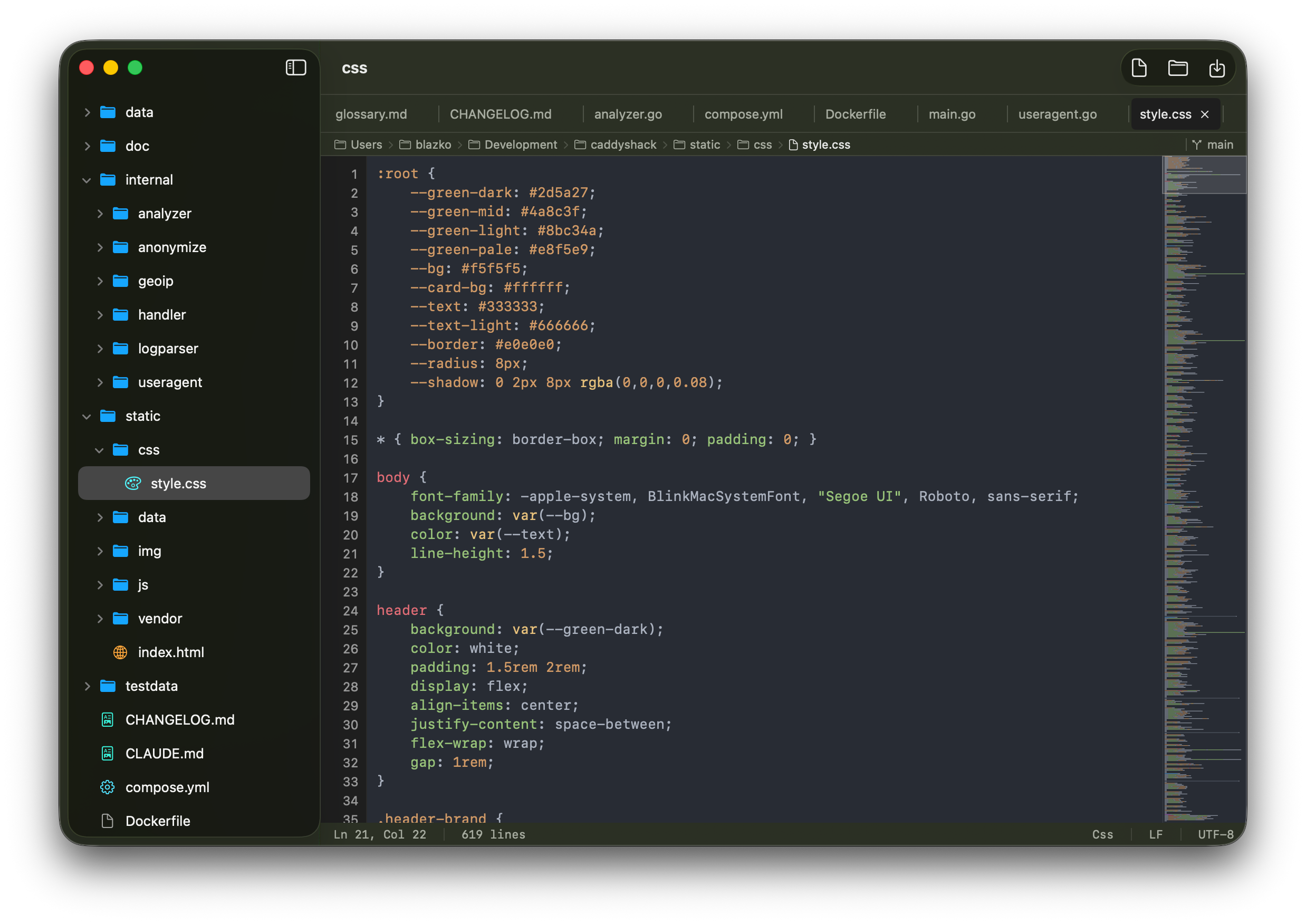
Syntax highlighting powered by highlight.js covers over 150 programming languages with line numbers and accurate token coloring.
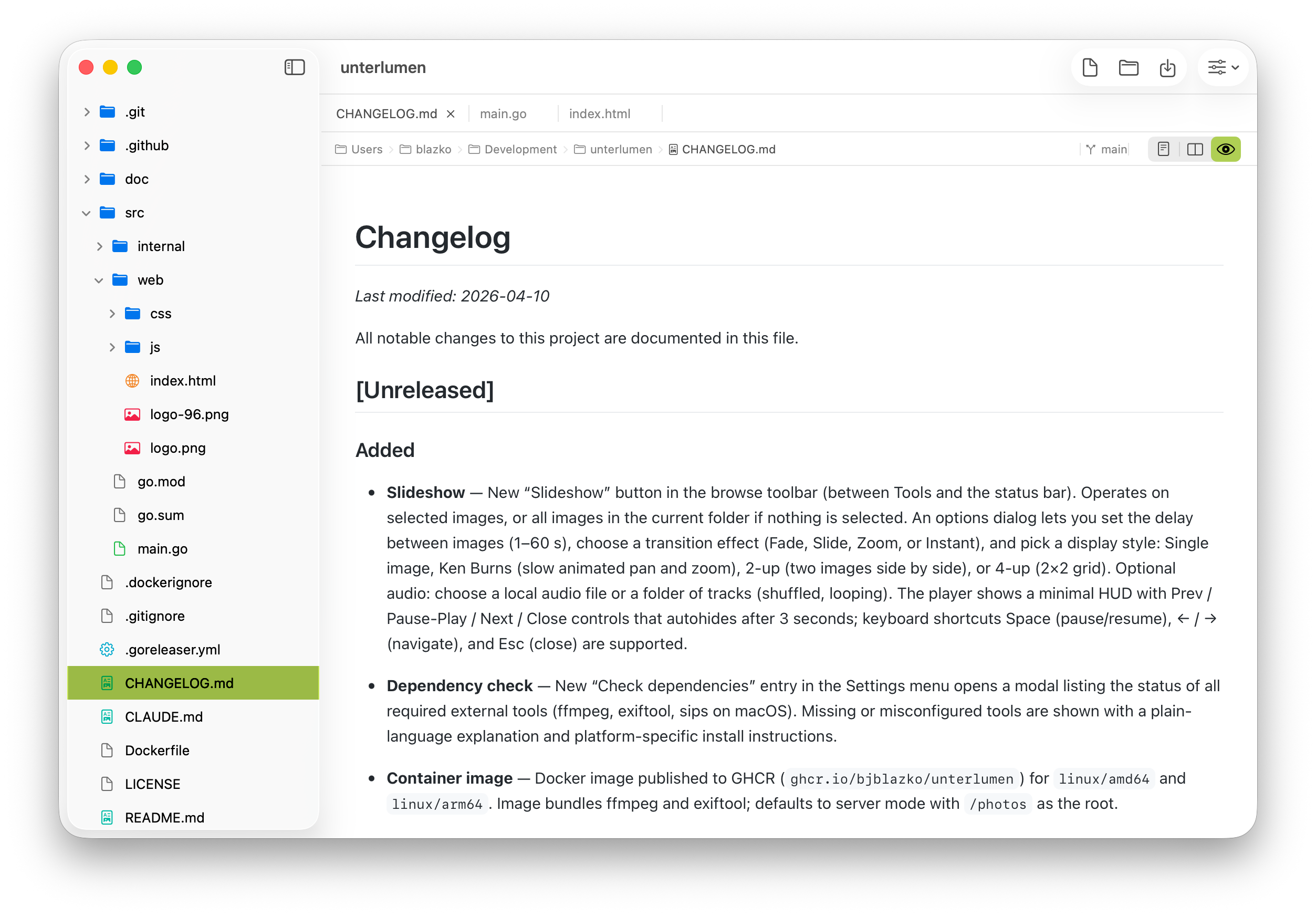
File Tree
Sidebar file browser with lazy-loaded directories, real-time FSEvents watching, and color-coded icons for quick navigation.
Live Markdown Preview
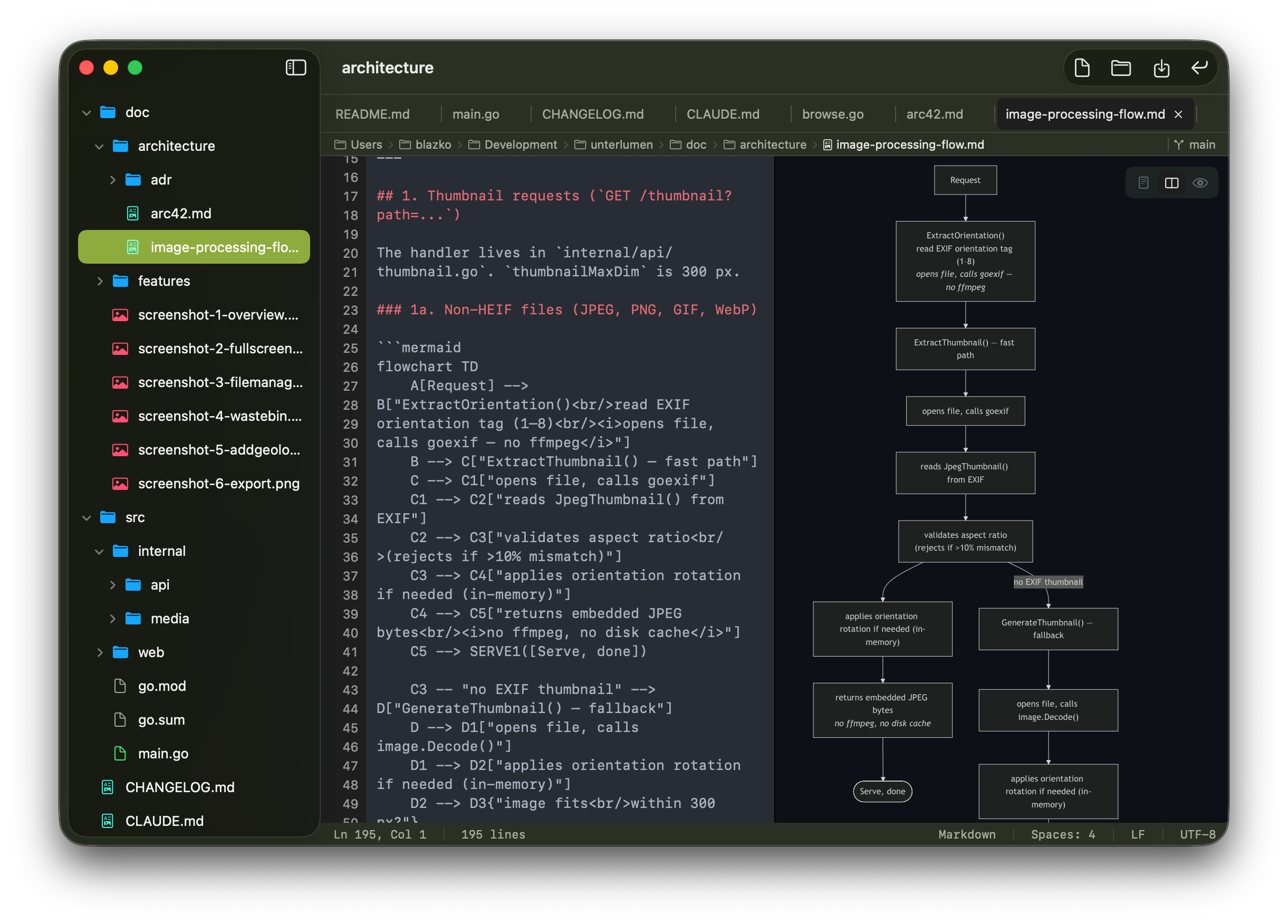
Render GitHub-flavored Markdown instantly alongside your source. Switch between editor and preview with Cmd+1/2/3 or a dedicated view bar.
Mermaid Diagrams
Mermaid diagram blocks in Markdown files are rendered as live diagrams — no extra tools, no exports, no workarounds.
HTML Preview
HTML files render in a built-in WebView so you can see exactly what you're building without leaving the editor.
Image Preview
Opens PNG, JPEG, GIF, BMP, TIFF, WebP, HEIC, and ICO files directly. Binary files are detected and handled gracefully.
Find Bar
Quick in-file search with a clean find bar. Navigate matches without reaching for the mouse.
Git Awareness
Current Git branch is always visible. Stay oriented without leaving Stuped to run a terminal command.
Tabbed Interface
Single-file and folder-browsing modes with a tabbed interface. Dirty tabs show an accent dot; right-click for context actions.
Mini-Map
A scaled-down document overview on the right edge of the editor. Click or drag to jump anywhere in the file. Toggle with ⌘⇧M.
Recent Files
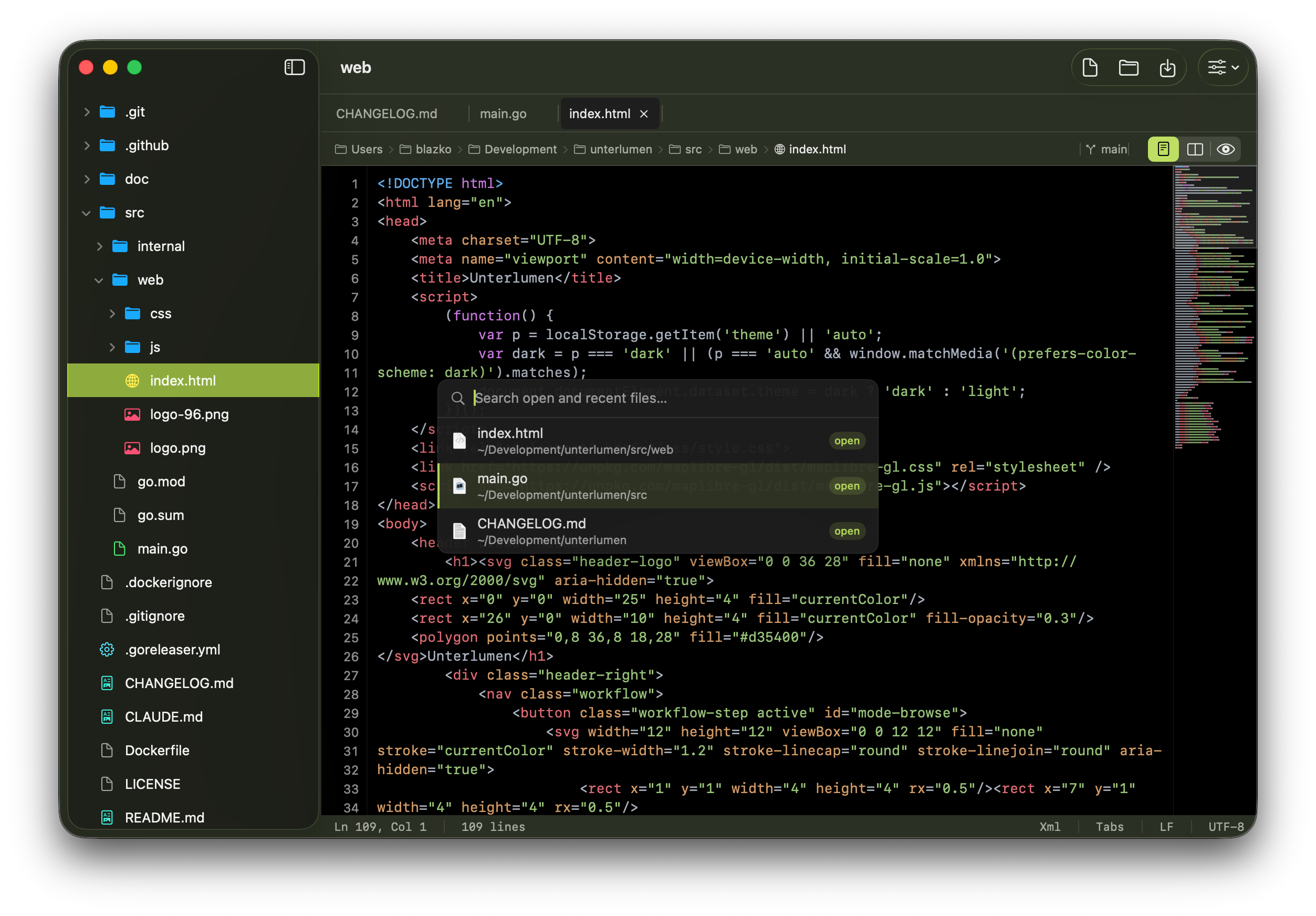
Command-palette-style popup (⌘R) shows recently opened files. Type to filter, arrow keys to navigate, Enter to open.
Global Search
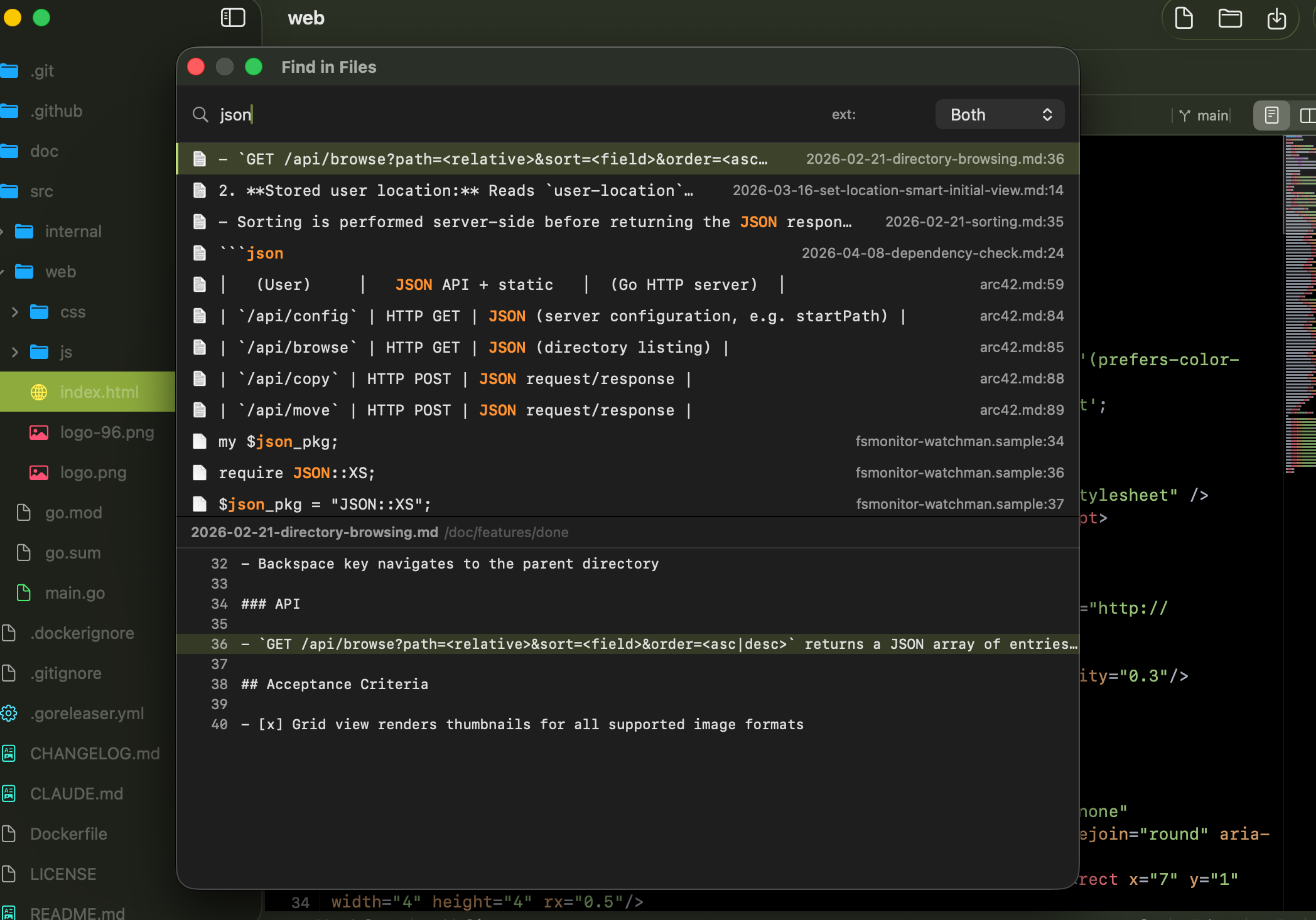
Search all files in the open folder by name, contents, or both (⌘⇧F). Filter by extension with ext:. Results show file path and matching-line preview.
Live File Reload
When an external process modifies an open, unmodified tab, Stuped reloads it from disk automatically. Tabs with unsaved edits are left untouched.
Dot Files Toggle
Show or hide hidden files and directories in the sidebar with ⌘⇧H. State persists across launches.
Appearance Override
Force Light, Dark, or System appearance from the View menu — independent of the macOS system setting. Persists across launches.
Fullscreen
The green zoom button enters native macOS fullscreen. Focus on your code without distractions.
Reveal in File Tree
Jump from any open tab to its location in the sidebar with ⌘⇧J — or via the tab right-click menu.
See it in action
Fast, native, and exactly as focused as you need it to be.
Get it on macOS
Native, fast, and requires macOS 14.0 or later.
Use at your own risk. Always back up your files before use.